Follow this guide to connect your OpenAI Assistant to Slack. You can connect other channels like Microsoft Teams using the same steps.
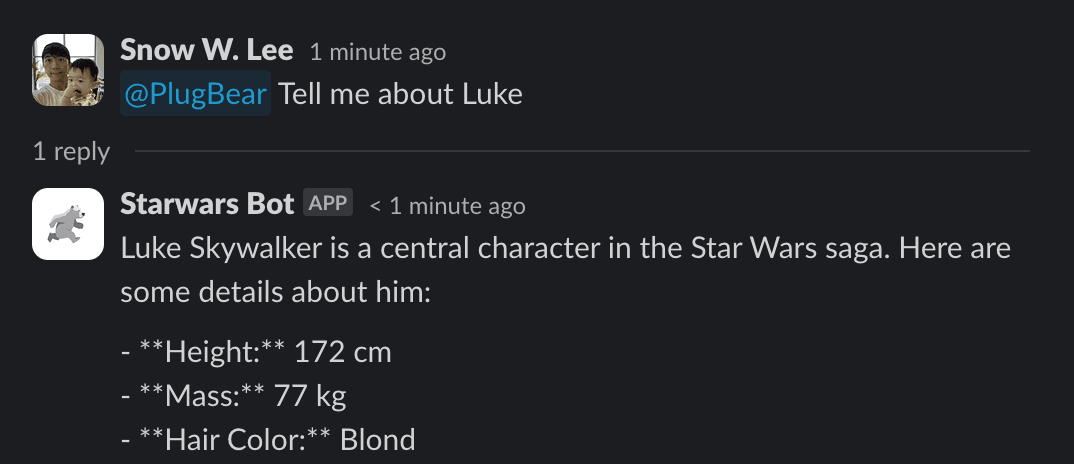
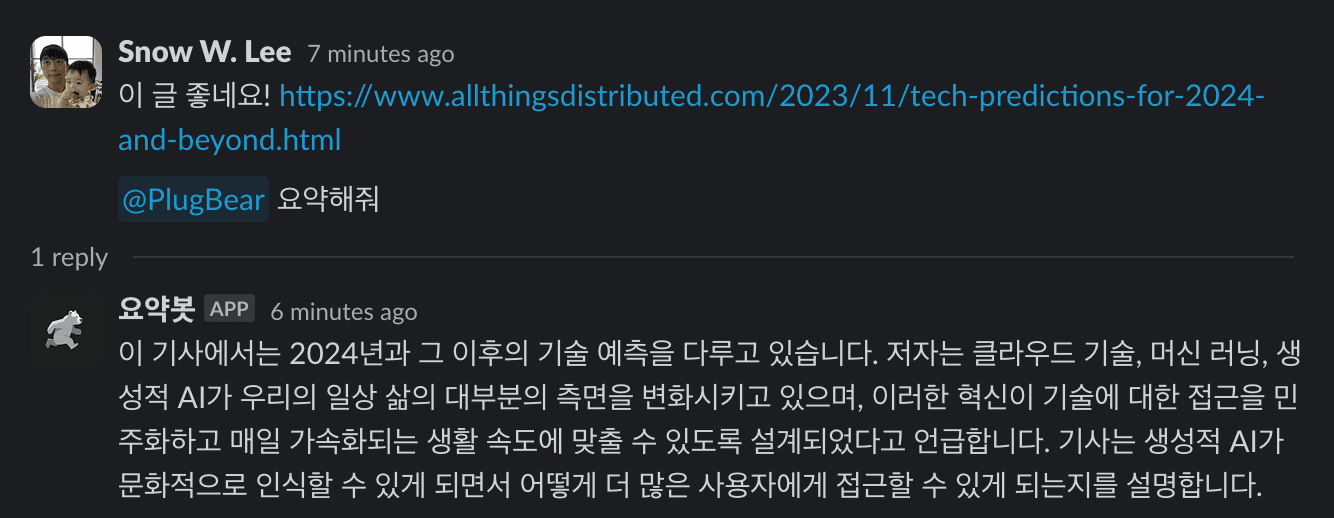
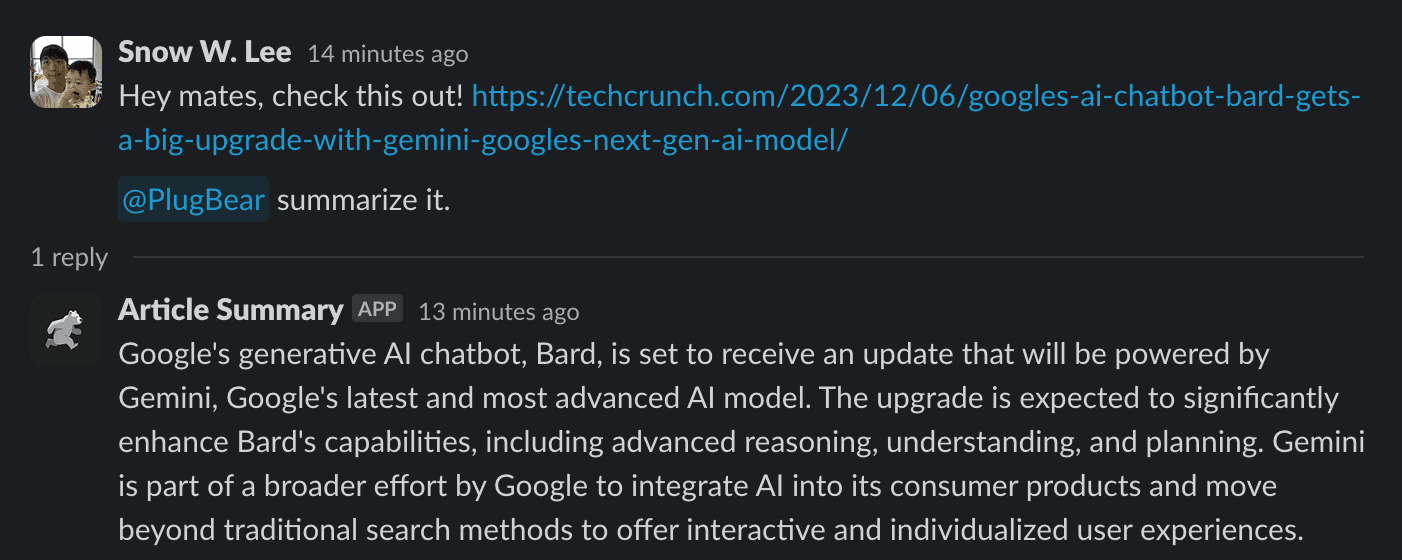
Final result:
Step 1: Setup OpenAI API Key
You can skip this step if you already have an OpenAI API key.
Visit OpenAI API keys page and click Create new secret key button. Click Create secret key to create one and copy the created key.

Step 2: Add your OpenAI Assistant
Return to Runbear, visit Assistants page and click the Add assistant button. Select OpenAI Assistants import option and paste your OpenAI Assistant API key.


Your OpenAI Assistants will be listed under Assistant combobox. Select one and click Create.
Step 3: Activate your Slack workspace
Visit Integrations page and click the Connect button of Slack.

Step 4: Connect the OpenAI Assistant to Slack channel
Visit Connections page and click New Connection button.

Choose your Slack workspace, select the app, and click Create.
Step 5: Enjoy your Assistant in Slack 🎉
Everything is set up! Now, open your Slack workspace and interact with @Runbear, which will use your LLM app for responses.

Try It Now
Join Runbear now and empower your team to achieve more with less! If you need help, don't hesitate to book a demo.
Book a DemoGet Started